Overdue invoice reminders for n8n from your own Gmail on day 3, 7 and 14, with a Google Sheet and optional Stripe sync
My invoice chaser sends your overdue reminders from your own Gmail on day 3, day 7 and day 14. Every open invoice sits in a Google Sheet you own, and the emails stop once the invoice is marked paid.
About this app
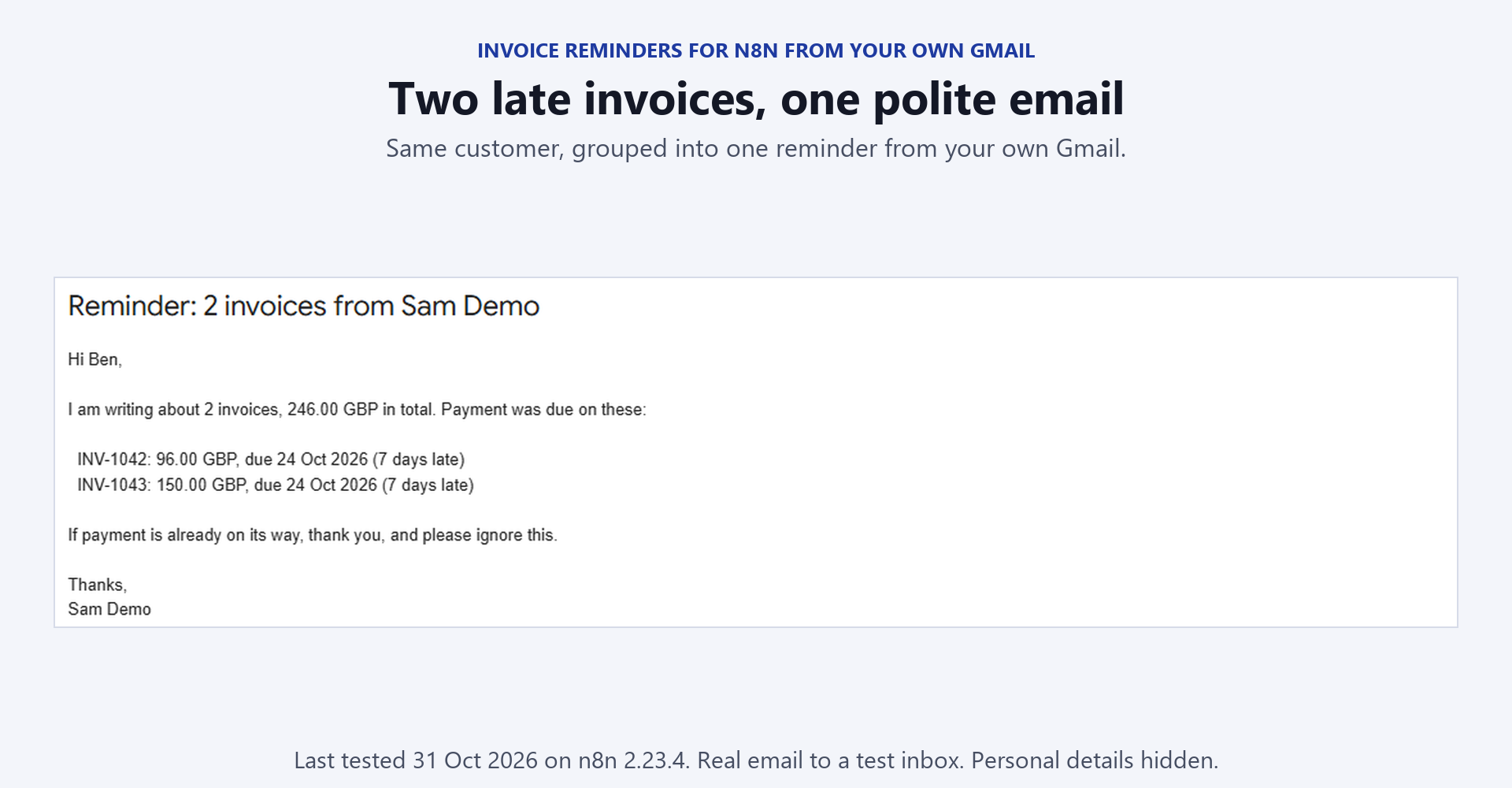
Freelancers and small firms lose hours writing the same awkward payment reminder. This is four n8n workflows and one Google Sheet. You can bring invoices in from Stripe or type them into the sheet yourself, and reminders behave the same either way. What it does - Emails each overdue customer from your own Gmail on day 3, day 7 and day 14 after the due date. You can change those days. - Groups invoices, so a customer with three late invoices gets one email that lists all three. - Stops the emails once an invoice is marked Paid, Void, Closed in Stripe or Written off. - Pauses every reminder to a customer who has a Disputed or On hold invoice, and skips an invoice until the date you put in hold_until. - Copies your open Stripe invoices into the sheet every day at 08:00 and marks paid ones as Paid. An optional Stripe webhook stops reminders within seconds of a payment, void or write-off. - Never reminds the same customer twice within min_gap_days, and caps how many customers one run can email. - Emails you a summary of each run before anything is sent. - Sends you a Monday digest of what needs you, what is overdue, what is paused and what is due this week. - Tells you when Gmail refuses an email, and sends an ACT NOW email if a reminder went out but its row did not update. Safe by default: the reminder workflow starts in preview mode, so the first run sends nothing to a customer and changes nothing in the sheet. It emails you the exact reminders it would have sent. It refuses to run until your name and address are filled in, and it tells you about rows it cannot use. What you receive - 1-sync-stripe.json, 2-reminders.json, 3-weekly-digest.json and 4-stripe-paid-webhook.json, credentials removed. - README.md with the credentials, the sheet headers, the status values, an eight-step safe test plan, every setting, the email wording tokens and the known limits. - code-nodes/: read-only .js copies of the 11 Code nodes, so you can review the logic before importing. What you need to run it - n8n, cloud or self-hosted, version 1.80 or later. - Google Sheets and Gmail OAuth2 credentials. - A Stripe API credential only for workflows 1 and 4. A restricted key with read access to invoices is enough for workflow 1. - No AI credits or paid add-ons. Fields you edit: the placeholders for your sheet URL in every Google Sheets node, your name and email address in Your Settings, the three emails in Your Email Wording, and the timezone in each workflow. Setup time: the n8n side is two or three credentials, one sheet with two tabs and the placeholders. Then you run the safe test on a copy of your sheet that only holds your own email address. Tested: I tested the logic of every Code node with fixtures and ran the reminder workflow on n8n with simulated Gmail and Google Sheets responses, including simulated failures. I did not send a real reminder or register a live Stripe webhook before shipping, so do your own preview run first. What it does not do - Reminders go by email only. There is no SMS or WhatsApp. - The sheet is a chasing log. Your books stay in your accounting tool. - Workflow 1 reads the newest 100 open Stripe invoices per run and only invoices sent for payment. - Zero-decimal currencies such as JPY and KRW show 100 times too small. - Only chase people who owe you money for work you invoiced, and follow your local rules on debt collection and data protection. Licence: Personal and commercial use on your own instances and for your own clients. Do not resell or redistribute the files themselves. Support: for setup questions, email support@fractionalhq.uk with your order email, your n8n version and the error text from the Executions list.